Google Ads and E-commerce: 6 Tips for Success



Google Ads reaches buyers at the exact moment they are looking for what you sell. That intent advantage is real, and it explains why the clicks cost what they do. So how do you run Google Ads profitably as an e-commerce store?
Start with the distinction that decides most campaigns. Google captures existing demand rather than creating it. If nobody searches for your product category, no budget expands that pool, and Shopping becomes the wrong channel entirely.
Check your search volume before committing spend.
Six tips structure this article, and they follow the order that actually matters.
Shopping before Search first, since Shopping carries the volume for most product catalogues and occupies the most visible position on commercial queries.
Your product feed next, which determines everything downstream. A poorly structured feed caps your performance regardless of bid.
Branded search protection, inexpensive and frequently neglected, which stops competitors capturing traffic you generated.
Negative keywords, the single fastest way to stop burning budget on queries that will never convert.
Campaign structure, which separates your best sellers from your long tail rather than averaging them together.
Measurement, with conversion tracking that reflects your actual margin rather than revenue alone.
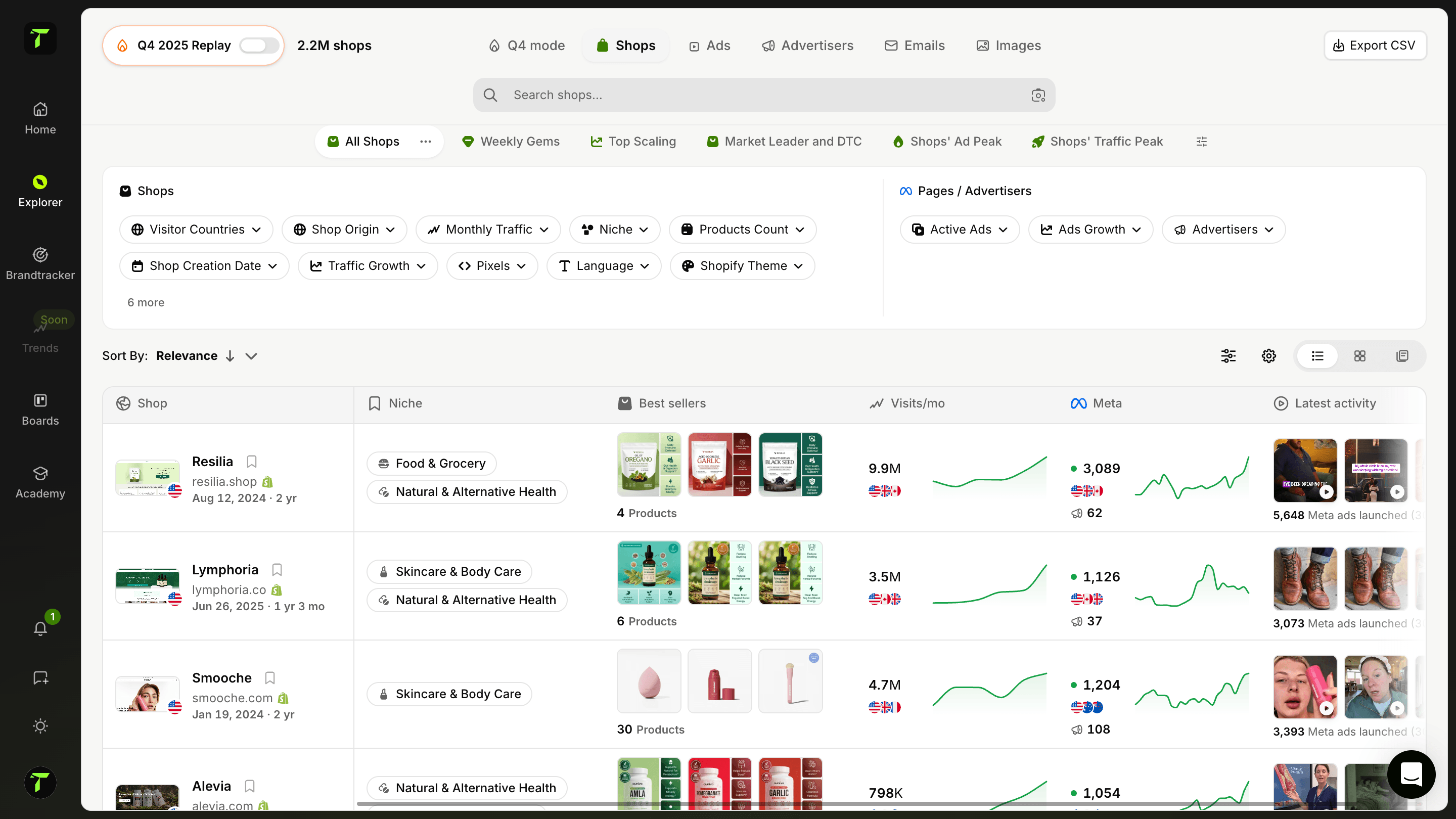
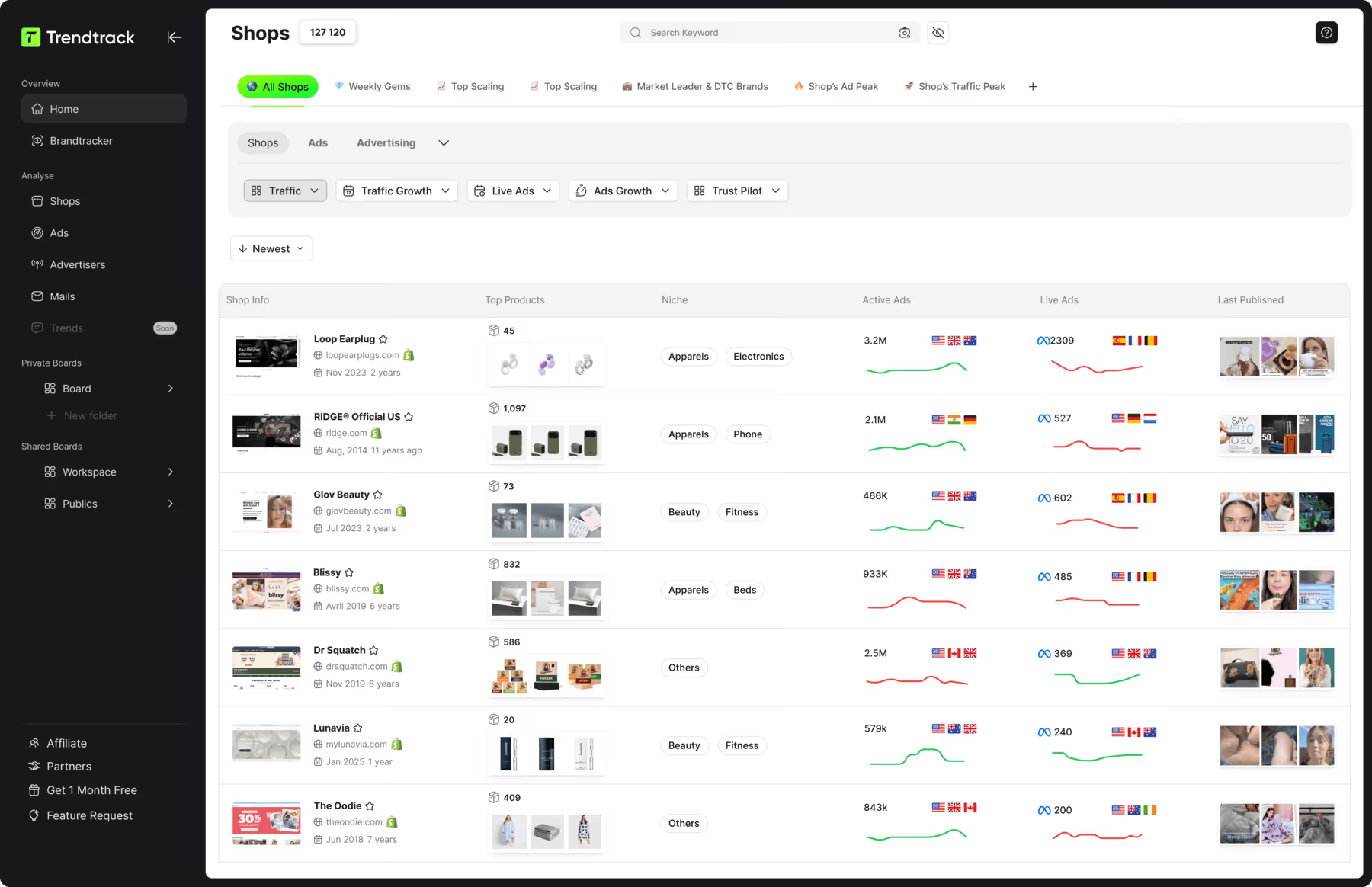
One point deserves stating upfront. Before allocating budget, see what competitors already run on Shopping and Search. Trendtrack available at app.trendtrack.io/en/sign-up preserves full ad history across Meta, TikTok and Google, with 700,000+ brand profiles refreshed every 24 hours.
In this article we cover six tips for running Google Ads successfully.
1. Start With Shopping Before Search
For a product catalogue, Shopping almost always outperforms text ads. Starting elsewhere wastes budget on a format that converts worse.
Three reasons explain the gap.
Placement first. The Shopping carousel occupies the most visible position on commercial queries. On mobile it sits at the very top, before even the text ads. On desktop it appears either as a top banner or along the right side.
That visibility is not a minor advantage. A buyer comparing products sees images and prices before reading a single line of copy.
Pre-qualification second. Your product photo and price appear before the click, which means shoppers who click have already accepted your pricing. Text ads attract clicks from people who discover your price only after arriving, and you pay for every one of those.
That difference shows up directly in your conversion rate.
Feed-driven targeting third. Shopping works from your product feed rather than from keywords you select manually. Google matches queries to products automatically, which removes the research burden of building and maintaining keyword lists.
One practical consequence follows: your feed becomes your campaign. Optimizing titles, descriptions and attributes replaces keyword bidding as your main lever.
Two situations justify running Search alongside Shopping.
Branded queries, where you protect your own name against competitors bidding on it. This costs very little and converts extremely well.
Non-product queries, where buyers search a problem rather than a product. Someone searching how to fix a specific issue will not trigger your Shopping ads but may convert on a well-written text ad.
A practical note on budget: do not split evenly between the two from day one. Prove Shopping works first, then add Search once your unit economics hold.
Trendtrack available at app.trendtrack.io/en/sign-up reveals which competitors run Shopping in your category.
2. Optimize Your Product Feed
Your feed is your campaign. Google matches queries to products from this data, which means a poorly structured feed caps your performance regardless of how much you bid.
Here is what to fix first.
Product titles, structured with brand, product type and key attribute
Product descriptions, covering what buyers actually search for
Google product category, assigned precisely rather than broadly
Product images, clean and compliant with Google’s requirements
GTIN and brand fields, which improve matching significantly
Custom labels, for segmenting campaigns by margin or performance
Availability and pricing, synchronized to avoid disapprovals
Among these, product titles carry the most weight by a wide margin. They are the primary signal Google uses to match your products to queries, and most stores leave them exactly as their supplier provided.
Structure them deliberately: brand, product type, then the attributes buyers specify when searching. Color, size, material, compatibility.
A title reading “Blue Shirt” competes for nothing. A title reading “Oxford Cotton Shirt Men Slim Fit Blue” matches dozens of specific queries.
Custom labels deserve attention because almost nobody uses them. They let you tag products by margin, seasonality or performance, which means you can bid differently on your high-margin items than on your loss leaders.
Without them, Google treats your entire catalogue as equally valuable, which it is not.
GTIN and brand fields improve matching noticeably. Products with complete identifiers receive better placement, and missing them causes disapprovals on certain categories.
Two practical warnings.
Check your disapprovals weekly in Merchant Center. Products silently rejected generate no traffic, and stores frequently discover months later that a quarter of their catalogue was never serving.
Keep availability synchronized. Advertising out-of-stock products wastes budget and triggers account warnings.
3. Protect Your Branded Search
Bidding on your own brand name feels counterintuitive. You already rank organically, so why pay for traffic you would receive anyway?
The answer is simple: if you do not bid, a competitor will.
Nothing prevents another store from bidding on your brand name. They cannot use it in their ad copy, but they can absolutely appear above your organic listing when someone searches for you specifically.
That person was looking for your store. They now see a competitor first.
Three arguments justify this spend.
The cost is minimal. Your Quality Score on your own brand is naturally high, since your landing page matches the query perfectly. Clicks frequently cost a fraction of what generic terms command.
The conversion rate is exceptional. Someone typing your brand name has already decided. These are your highest-intent visitors by a considerable margin.
You control the message. Your ad lets you highlight a current offer, free shipping or a specific collection, rather than relying on whatever Google extracts from your homepage.
One objection deserves addressing honestly. Yes, some of these clicks would have reached you organically, which means a portion of this spend is technically redundant.
The calculation still works, because the alternative is handing your highest-intent traffic to whoever decides to bid.
Two practical points.
Monitor who bids on your name using the Auction Insights report. If competitors appear, your protection becomes necessary rather than optional. If nobody bids, you can run a minimal budget and reassess periodically.
Separate branded from generic campaigns. Mixing them distorts your reporting: branded traffic converts so well that it masks poor performance on your acquisition campaigns.
A trademark note: if a competitor uses your registered brand name in their ad copy rather than merely bidding on it, Google provides a complaint procedure.
4. Use Negative Keywords Aggressively
This is the fastest way to stop burning budget, and it requires no additional spend to implement.
Google matches your products to queries automatically. That automation works in your favor on relevant searches and against you on everything else, because you pay for both.
Here are the categories to exclude systematically.
Free, cheap, discount when you sell at full price
Used, second hand, refurbished when you sell new
DIY, how to make, tutorial which signal no purchase intent
Review, comparison, versus on research-stage queries
Job, career, salary which attract applicants rather than buyers
Competitor brand names, unless you deliberately target them
Wholesale, bulk, supplier when you sell retail
Repair, fix, parts when you sell complete products
Among these, free and cheap produce the most waste. Someone searching for a free version of your product category will never buy, and these queries generate clicks consistently because the commercial terms around them match your products.
The DIY and tutorial category deserves equal attention. Someone searching how to make something has explicitly decided not to buy it. These queries appear constantly in craft, home and food categories.
Job-related terms surprise most advertisers. Searches combining your product category with employment terms trigger your ads, and applicants click them.
The method matters more than the list. Check your search terms report weekly during your first two months, then monthly afterward. This report shows the actual queries that triggered your ads rather than the keywords you selected.
You will find waste nobody could have predicted.
Build a shared negative keyword list applied across campaigns rather than managing exclusions separately. It saves considerable time as your account grows.
One caution: avoid excluding too broadly. Blocking a term that appears in legitimate queries removes conversions alongside the waste.
5. Structure Your Campaigns by Margin
Most stores run a single Shopping campaign containing their entire catalogue. That structure treats every product as equally valuable, which they obviously are not.
The consequence is direct. Google allocates budget toward whatever generates conversions, not toward whatever generates profit. On a catalogue with varied margins, those two outcomes diverge considerably.
Your best-selling product frequently carries your thinnest margin. Scaling it aggressively grows revenue while shrinking what you actually keep.
Three segments make sense for most catalogues.
High-margin products deserve the most aggressive bidding. You can afford a higher cost per acquisition here, which means winning auctions competitors cannot justify entering.
Mid-margin products run at standard targets, forming the bulk of most campaigns.
Low-margin or loss leaders require tight control. These products work as entry points when they bring customers who buy again, and they destroy your economics when treated as acquisition engines.
Implementation runs through custom labels in your product feed. Tag each product with its margin tier, then build campaigns filtering on those labels.
This takes an afternoon and changes your profitability more than most optimization work.
A second segmentation deserves consideration: proven sellers versus the long tail.
Products with established sales history warrant their own campaign with meaningful budget. Untested products sit in a separate campaign with controlled spend, where you discover which deserve promotion.
Mixing them means your proven winners compete for budget against products that have never converted.
One practical note on bidding. Set your targets based on margin rather than revenue. A 30% target return on ad spend means something entirely different on a product with 20% margin than on one with 60%.
Most accounts set a single target across everything, which systematically overspends on thin-margin products.
6. Measure Profit, Not Revenue
Google Ads reports revenue by default. Your business runs on profit, and the gap between those two numbers determines whether your campaigns actually work.
A campaign generating a 4x return on ad spend looks excellent. On products carrying 20% margin, it loses money on every sale.
Three adjustments close that gap.
Send margin data rather than revenue to your conversion tracking. Most platforms allow passing a custom value, which means Google optimizes toward what you keep rather than what you bill.
This single change redirects budget automatically toward your profitable products, without you managing it manually.
Account for returns in your calculations. A category running 25% returns means your actual revenue sits at 75% of what Google reports. In apparel, where returns run high, ignoring this distorts every decision you make.
Subtract your historical return rate before evaluating any campaign.
Include your full cost structure. Product cost, shipping, payment fees, packaging and the labor behind fulfillment all sit between revenue and profit. A campaign evaluated on revenue alone ignores all of it.
Two practical points on measurement itself.
Verify your conversion tracking works. Broken tracking produces decisions built on nothing, and it breaks more often than people check. Test a purchase yourself quarterly.
Watch your attribution window. A seven-day window and a thirty-day window produce very different numbers on considered purchases, and comparing periods with different settings tells you nothing.
One structural note deserves stating. Your customer lifetime value changes this entire calculation on repeat-purchase categories.
Losing money on a first order makes sense when that customer buys three more times. It makes no sense when they never return. Knowing which situation describes your business determines how aggressively you can bid.
Calculate your repeat rate before setting targets.
Useful Sources:

.avif)
Ready to build a million-dollar brand?
.avif)