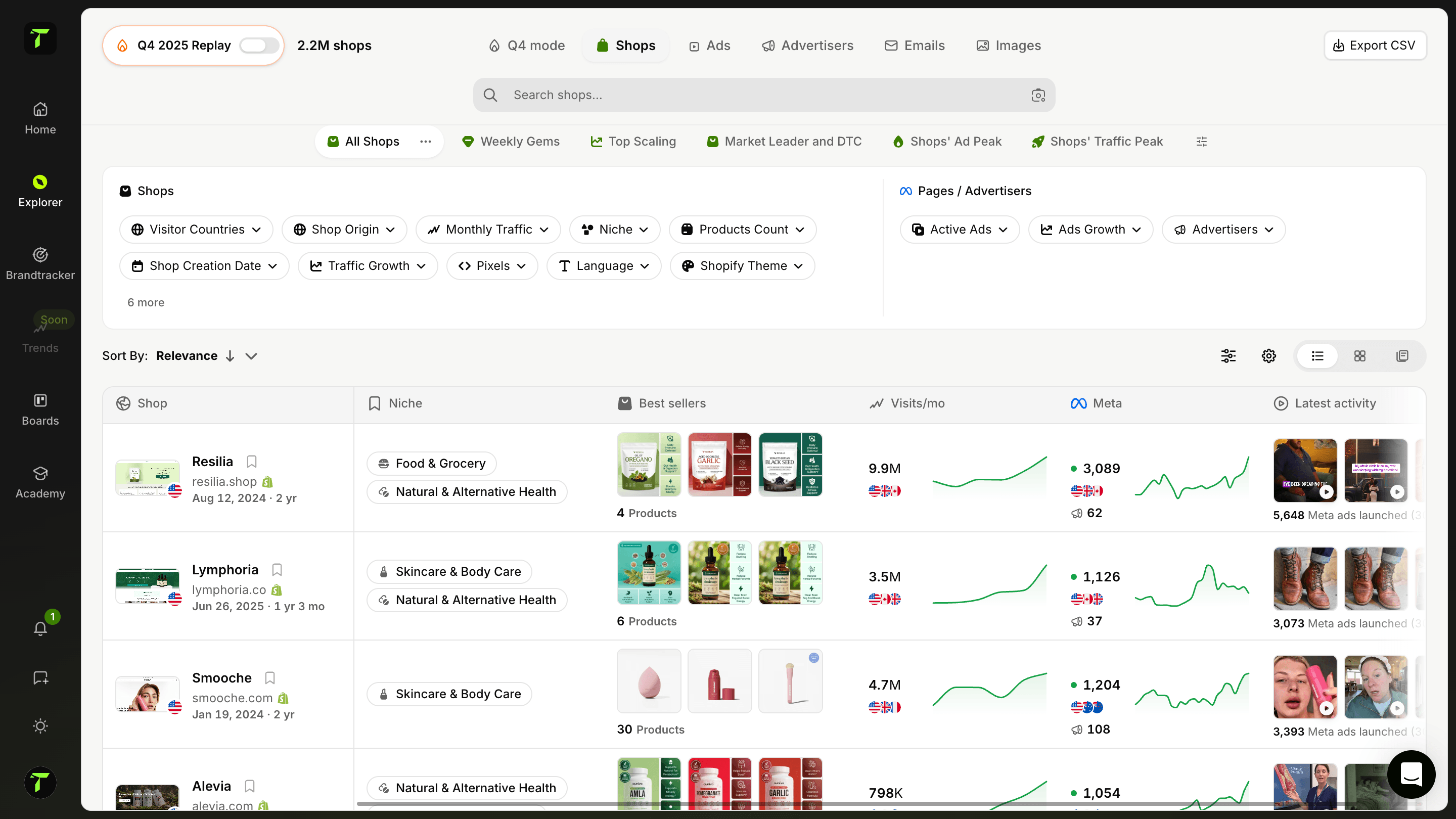
Shopify Apps Detector
Discover which Shopify apps are installed on any Shopify store. Get detailed information about each app including store links and descriptions.
What is the Shopify Apps Detector?
The Shopify Apps Detector reveals which apps any Shopify store is running. Paste a store URL and get the full list of detected apps — reviews, upsells, email marketing, subscriptions, page builders, loyalty programs — with details and links for each one.
A store's app stack is its playbook. It tells you how a competitor collects reviews, how they push average order value up, how they recover abandoned carts and how they retain customers. That information is public — it's just buried in the store's code. The detector digs it out in seconds.
Why analyze a competitor's app stack?
- Reverse-engineer what works — successful stores have usually iterated to an effective stack. Skip the trial and error and start from what proven stores use.
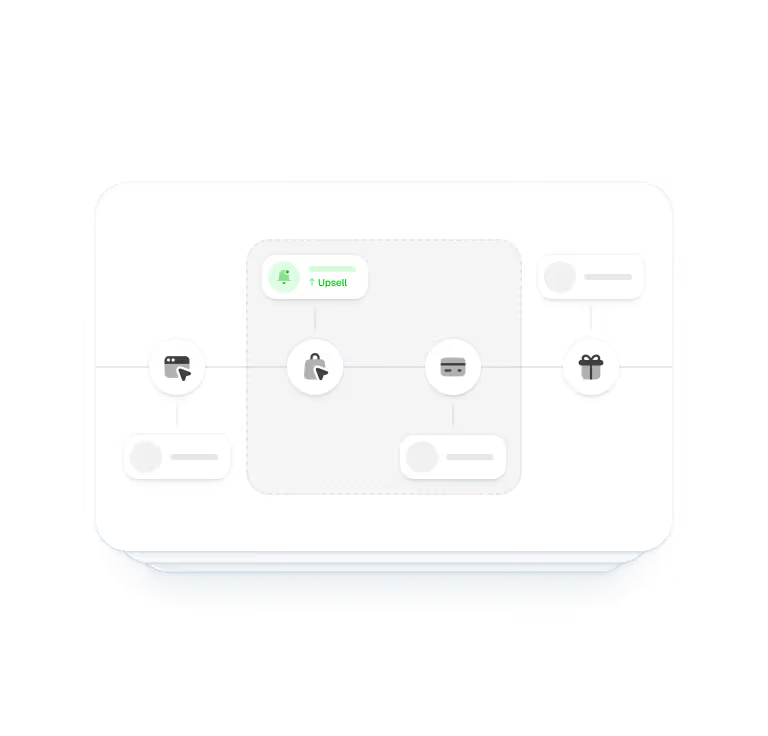
- Spot revenue levers — an upsell app, a bundle builder or a subscription app on a competitor's store tells you exactly which monetization plays they're running.
- Choose your own tools faster — instead of comparing 20 review apps in the App Store, see which one the leaders in your niche actually installed.
- Estimate maturity — a store running loyalty, SMS and post-purchase survey apps is an operation, not a test. Useful context before entering a niche.
How to use the Shopify Apps Detector?
- Paste the store URL — any Shopify store, yours or a competitor's.
- Launch the scan — the detector analyzes the store's code for app signatures.
- Read the results — each detected app comes with its name, description and a link, so you can evaluate or install it for your own store.
Tip: scan the top 3–5 stores in your niche and look for the apps they have in common. When every leader runs the same review or upsell app, that's not a coincidence — it's a signal.
What the detector can and can't see
The detector identifies apps that leave a footprint in the storefront code — which covers most customer-facing apps (reviews, upsells, popups, chat, tracking). Purely back-office apps (accounting, inventory syncing) don't inject anything into the page and can stay invisible. In practice, everything that shapes the customer experience — the part you want to learn from — is detectable.
Go further with Trendtrack
The app stack is one layer of competitor intelligence. Trendtrack gives you the rest: the store's traffic, its best-selling products, the ads it's scaling and the mails it's sending — refreshed every 24 hours across the entire Shopify and Meta ecosystem.
Discover our other free tools too:
See exactly what's powering any Shopify store.
Frequently asked questions
Can't find the answer to your question?
Contact us by clicking here.
TrendTrack is the ecommerce intelligence platform built around one obsession: giving you the most accurate, most current market data available. Every store, every ad, every mail, every spend signal, updated every 24 hours. Because knowing what's winning in ecom right now is only useful if "right now" actually means right now.
Most tools show you what was working last month. We show you what's working today. Our infrastructure scans the entire Shopify and Meta ecosystem daily, 2 to 3 million new ads indexed every 24 hours. No delays, no editorial filters, no subjective picks. Just the market, live.
Anyone who makes ecom decisions and can't afford to be wrong. Beginners validating a product before spending a dollar. Operators whose ads are burning out and need fresh angles. Brands and agencies that need to see market shifts before they happen. If your decisions depend on knowing what's actually working right now, this is your tool.
It's one of the best ways to de-risk your first moves. Instead of guessing, you can see exactly which products are gaining traction, which ads are scaling, and which niches are heating up, all in real time. You're not betting on a hunch. You're betting on live market signals.
Yes. The fastest way to find a new angle is to see what's already working, across your niche and beyond. TrendTrack gives you access to millions of active creatives, ranked by performance signals, updated daily. The next winning hook is already running somewhere. We help you find it.
It depends on your plan. Each plan comes with its own access levels and usage capabilities. Before subscribing, we recommend checking our pricing page to make sure you pick the plan that fits your needs.
Yes. No commitment, no lock-in. Cancel directly from your account whenever you want.
Ready to build a million-dollar brand?
.avif)