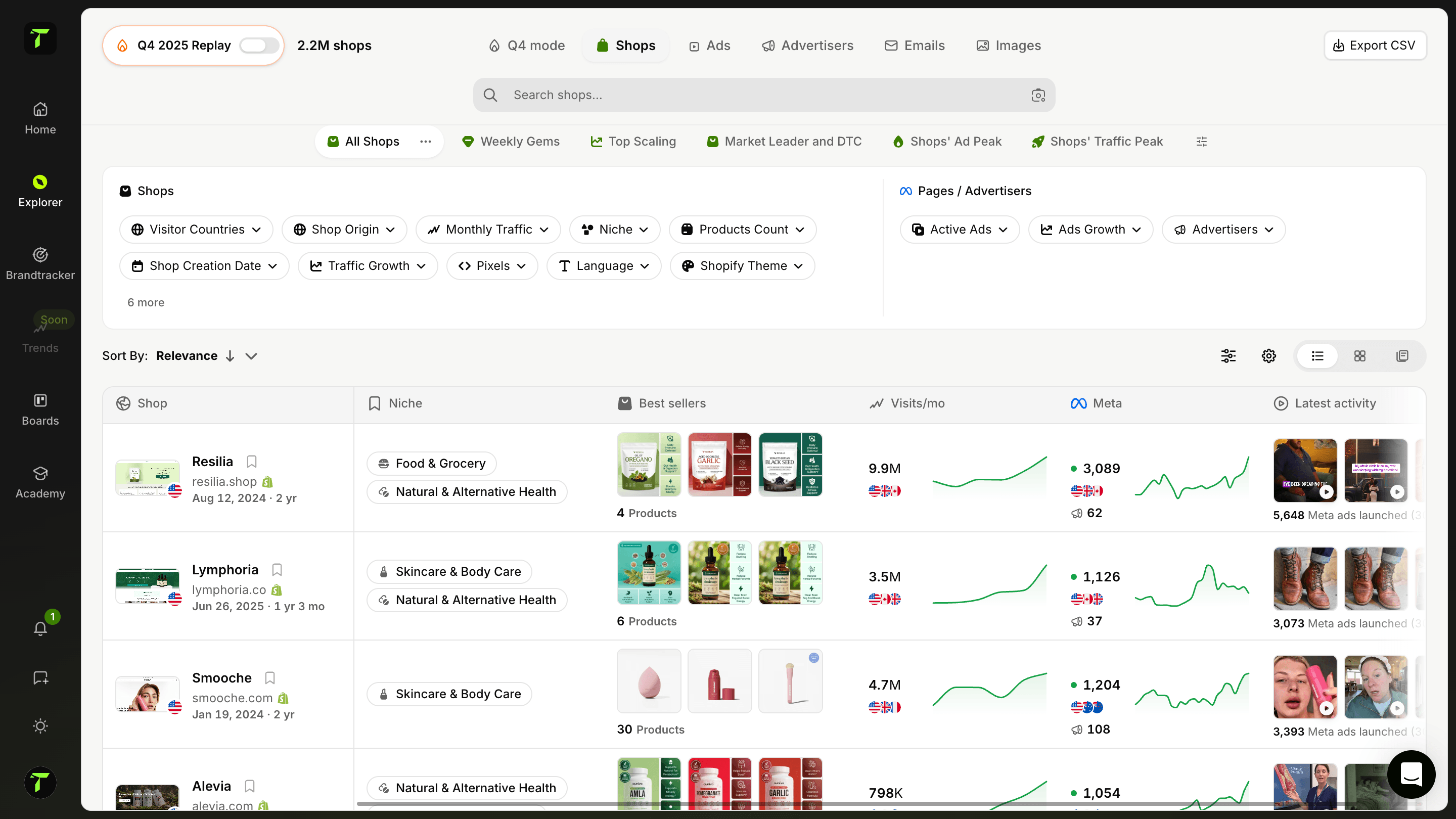
Shopify Product Exporter
Extract and export complete product data from any Shopify store to Excel format. Get product details, variants, pricing, images, and analytics all organized in professional spreadsheets.
What is the Shopify Product Exporter?
The Shopify Product Exporter extracts the complete product catalog of any Shopify store and delivers it as a clean Excel spreadsheet: titles, descriptions, variants, prices, images and product URLs, organized and ready to analyze.
Browsing a competitor's store page by page shows you what they sell. Exporting their catalog shows you how they run the business: pricing structure, variant strategy, catalog depth, product naming — everything becomes visible when the data sits in one spreadsheet.
What you can do with a full catalog export
- Price benchmarking — line up a competitor's entire pricing against yours in minutes, spot where you're overpriced or leaving margin on the table.
- Catalog analysis — see how many products a store really runs, how they structure variants (sizes, colors, bundles) and where the depth of their offer is.
- Product research — a winning store's catalog is a curated list of validated products; use it as a sourcing shortlist.
- Store audits — export your own catalog to hunt for missing images, inconsistent titles or broken pricing at a glance.
How to use the Shopify Product Exporter?
- Paste the store URL — any Shopify store.
- Launch the export — the tool collects every product, variant and image reference in the catalog.
- Download the Excel file — a structured spreadsheet with product details, variants, pricing and images, ready for filtering and pivot tables.
Tip: export the same competitor's catalog every few weeks. Diffing two exports reveals exactly which products they added, killed, or re-priced — that's their strategy, written down.
Why Excel format matters
Raw data is only useful if you can work with it. An Excel export means you can immediately sort by price, filter by product type, compare variant counts or feed the data into your own analysis — no scraping scripts, no copy-pasting, no developer needed.
Go further with Trendtrack
The exporter shows you a store's catalog; Trendtrack shows you which of those products are actually winning: sales estimates, traffic, and the ad campaigns pushing them — across every Shopify store, updated every 24 hours.
Discover our other free tools too:
Any store's full product catalog. Downloaded in seconds.
Frequently asked questions
Can't find the answer to your question?
Contact us by clicking here.
TrendTrack is the ecommerce intelligence platform built around one obsession: giving you the most accurate, most current market data available. Every store, every ad, every mail, every spend signal, updated every 24 hours. Because knowing what's winning in ecom right now is only useful if "right now" actually means right now.
Most tools show you what was working last month. We show you what's working today. Our infrastructure scans the entire Shopify and Meta ecosystem daily, 2 to 3 million new ads indexed every 24 hours. No delays, no editorial filters, no subjective picks. Just the market, live.
Anyone who makes ecom decisions and can't afford to be wrong. Beginners validating a product before spending a dollar. Operators whose ads are burning out and need fresh angles. Brands and agencies that need to see market shifts before they happen. If your decisions depend on knowing what's actually working right now, this is your tool.
It's one of the best ways to de-risk your first moves. Instead of guessing, you can see exactly which products are gaining traction, which ads are scaling, and which niches are heating up, all in real time. You're not betting on a hunch. You're betting on live market signals.
Yes. The fastest way to find a new angle is to see what's already working, across your niche and beyond. TrendTrack gives you access to millions of active creatives, ranked by performance signals, updated daily. The next winning hook is already running somewhere. We help you find it.
It depends on your plan. Each plan comes with its own access levels and usage capabilities. Before subscribing, we recommend checking our pricing page to make sure you pick the plan that fits your needs.
Yes. No commitment, no lock-in. Cancel directly from your account whenever you want.
Ready to build a million-dollar brand?
.avif)