How can you find your competitors' Google Ads keywords?



Your competitors have already spent thousands testing which keywords convert and which drain budget. That knowledge exists in their live campaigns right now and most of it is publicly observable if you know where to look. So how can you find your competitors' Google Ads keywords and use their spending to shortcut your own testing?
The value is immediate. Knowing which terms a competitor bids on tells you where demand actually converts in your market rather than where you assume it does. Seeing which keywords they have maintained for months reveals genuine profitability since nobody sustains an unprofitable bid indefinitely. And spotting the terms they have abandoned is equally instructive because it flags keywords that failed to convert and would waste your budget too.
Several methods exist. The Google Ads Transparency Center shows which ads an advertiser runs though not the specific keywords triggering them. The Keyword Planner reveals competition levels and estimated bids for terms you already suspect. Searching your own keywords manually in incognito mode shows exactly who competes for that traffic today. Each gives you a fragment.
The limitation of these free approaches is consistent. They reveal that competition exists without showing you the full picture of a competitor's keyword strategy, which formats they pair with those terms or where they send the resulting traffic. You end up assembling guesses rather than reading a strategy.
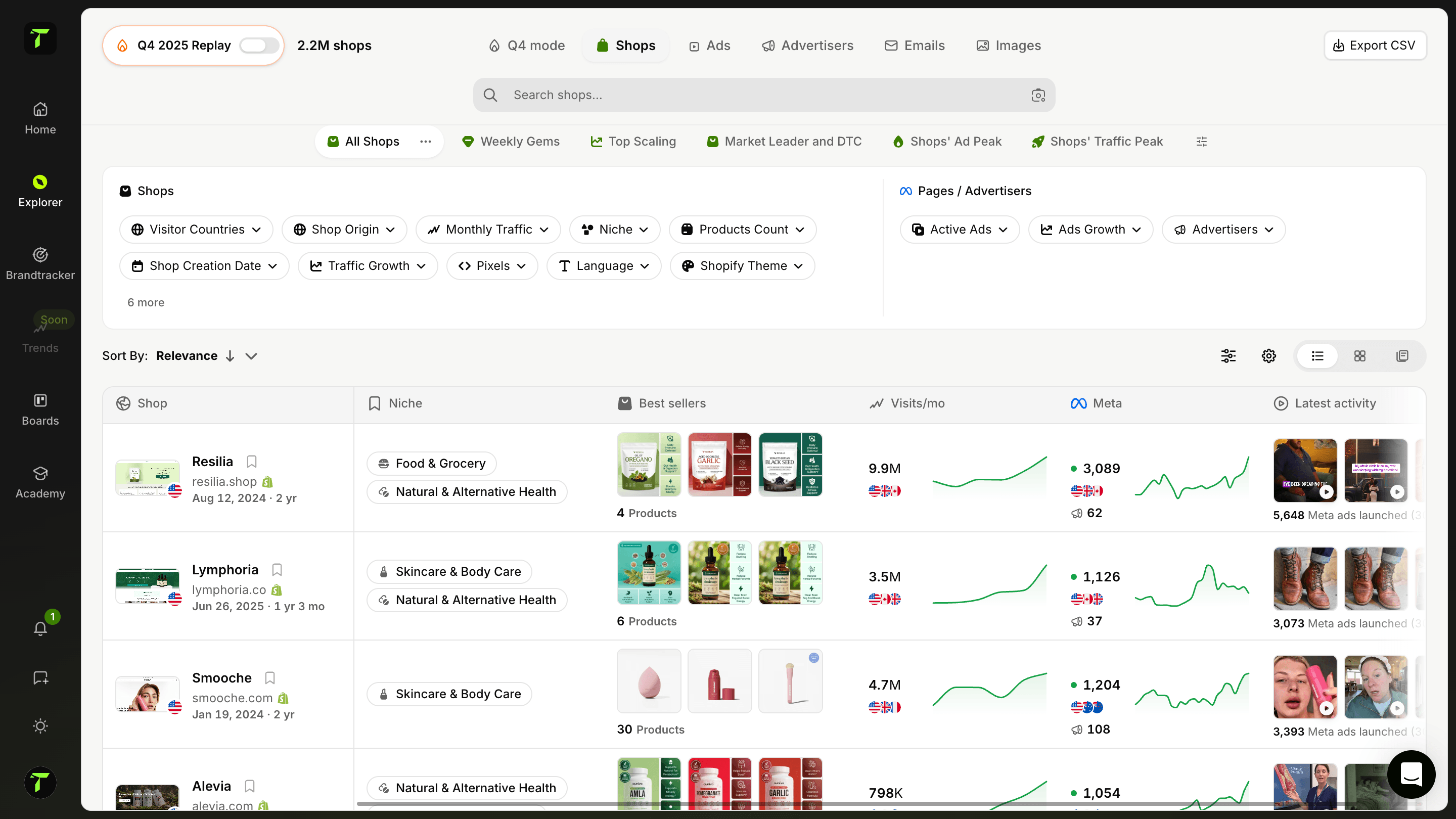
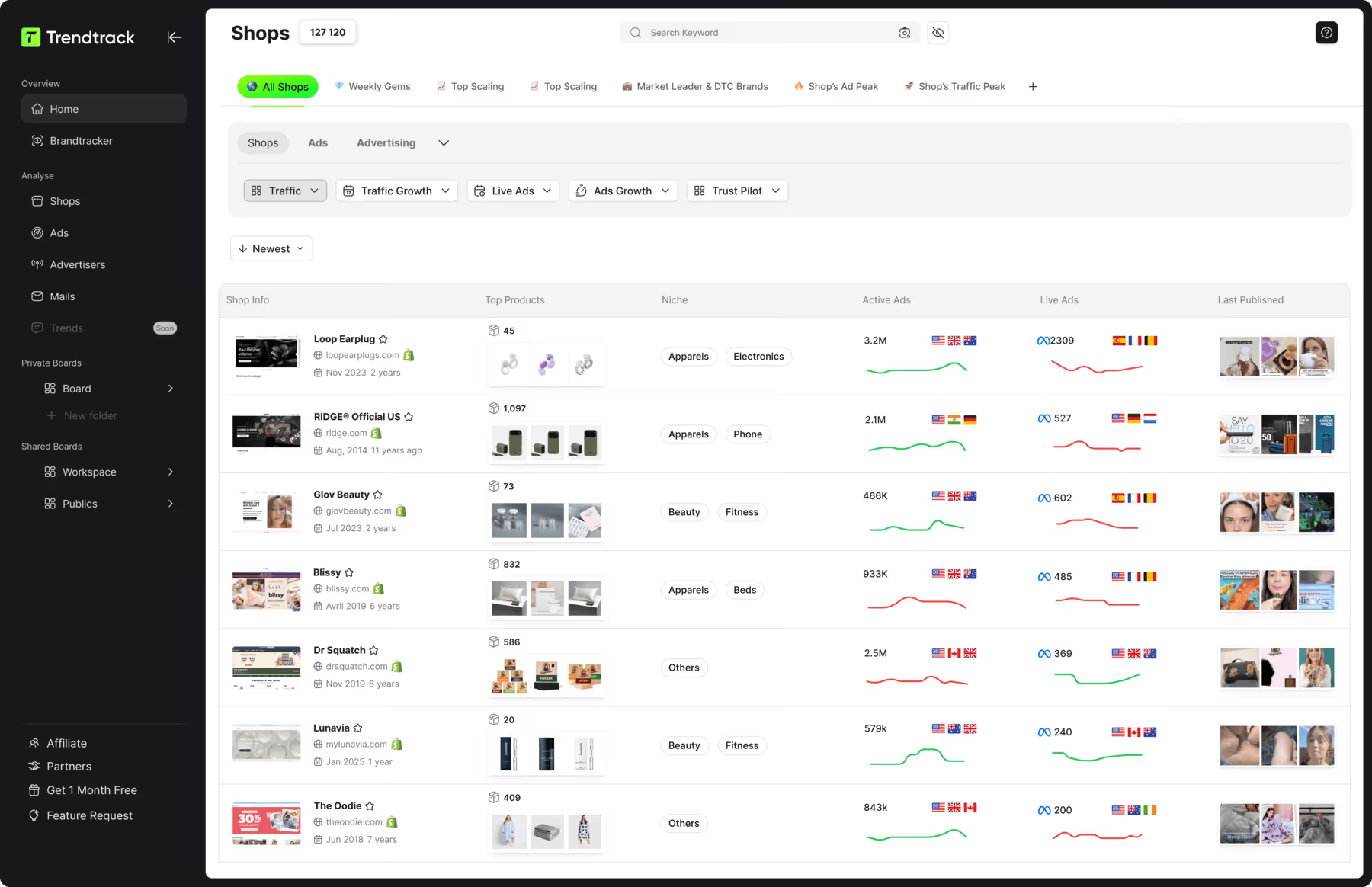
This is where Trendtrack available at app.trendtrack.io/en/sign-up changes the approach. Its Shop Analytics tab reveals any shop's complete Google ad strategy including their full ad library, their top performing ads, the formats they scale across Search, Shopping, YouTube and Display, their landing pages and their headlines and copy.
In this article we explain how to find your competitors' Google Ads keywords.
Why Should You Analyze Your Competitors' Keywords?
Keyword analysis is not about copying a list. It is about reading where demand genuinely converts before you pay to find out yourself. Here is why you should analyze your competitors' keywords.
To skip the expensive discovery phase
The first reason is to avoid paying for the same lessons. Every keyword you test blindly costs money before you learn whether it converts. Your competitors have already funded that experiment. Terms they have maintained for months have passed a real market test which lets you start from validated ground rather than from a hypothesis.
To identify high-intent commercial terms
The second reason is to spot the terms that actually sell. Search volume tells you how many people type a query but nothing about their intent to buy. A keyword competitors consistently bid on despite a high cost per click signals genuine commercial value. That distinction between traffic and revenue is invisible in volume data alone.
To avoid the keywords that fail
The third reason is to learn from their abandonments. Terms a competitor dropped after sustained investment often failed to convert. This negative signal is arguably more valuable than the positive one since it saves you from a mistake you would otherwise repeat with your own budget.
To find the gaps they leave open
The fourth reason is to identify opportunities. Competitor analysis reveals not only what everyone fights over but what nobody targets. Long-tail terms with genuine intent and low competition typically deliver a far better cost per acquisition than head terms where established advertisers dominate.
To calibrate your budget realistically
The fifth reason is budget planning. Seeing the competitive landscape on your target terms tells you whether entry is realistic before you commit.
What Free Methods Let You Find Competitors' Keywords?
Several free approaches give you partial visibility into competitor keyword strategies. Here are the free methods available.
| Method | What it reveals | Main limitation |
|---|---|---|
| Manual Google search | Who bids on a term right now | Single snapshot, no history |
| Google Ads Transparency Center | Ads an advertiser currently runs | Shows ads, not the triggering keywords |
| Google Keyword Planner | Competition level and bid estimates | No advertiser-specific data |
| Google autocomplete | Related queries people actually type | No competitive context |
| Google Shopping tab | Products and prices competitors push | Shopping campaigns only |
| Competitor site inspection | Their SEO terms and page structure | Organic focus rather than paid |
| Google Trends | Interest evolution on a term | No advertiser-level insight |
As the table shows the manual Google search remains the fastest starting point. Type your target keyword in incognito mode to avoid personalized results and note which advertisers appear. Repeat across your main terms and a pattern emerges showing who competes where. The obvious weakness is that you capture a single moment with no way to know whether that ad launched yesterday or has run profitably for a year.
The Google Ads Transparency Center lets you search any advertiser and see their live creatives filtered by region. It confirms who advertises and what they say but it does not expose the keywords triggering those ads which is precisely the information you want.
The Keyword Planner provides competition levels and bid ranges which helps assess whether a term is realistic for your budget. It requires an active Google Ads account and reveals nothing about specific competitors.
Autocomplete and related searches surface genuine query variations people type which is useful for building your long-tail list.
The common weakness is that none reveal a complete strategy. Trendtrack available at app.trendtrack.io/en/sign-up closes that gap.
How to Analyze Competitors' Google Ads With Trendtrack?

Trendtrack consolidates in a single view what free tools deliver in fragments. Here is how to analyze competitors' Google Ads with Trendtrack.
Search for the shop you want to study
Open the Google Ads tab in Shop Analytics
Explore their full ad library
Identify their top performing ads
Review the formats they scale
Extract their headlines and copy
Analyze their landing pages
The first step is to search for the shop. Enter any store or domain and Trendtrack pulls its complete profile from a database of over 700,000 brand profiles updated every 24 hours.
The second step is to open the dedicated Google Ads tab within Shop Analytics. This section gives you full visibility into that shop's Google advertising rather than isolated creatives scattered across sources.
The third step is to explore their full ad library. You see their entire history rather than a snapshot of today. History is what reveals real patterns since campaigns that persist or reappear repeatedly are almost certainly profitable.
The fourth step is to identify their top performing ads. Trendtrack surfaces which creatives perform best which immediately shows you where their budget actually converts rather than where they simply spend.
The fifth step is to review the formats they scale across Search, Shopping, YouTube and Display. Knowing a competitor invests heavily in Shopping while ignoring Display tells you something concrete about how buyers behave in your category.
The sixth step is to extract their headlines and copy. Messaging that has survived months of live testing reveals which benefits and objections genuinely move your market.
The seventh step is to analyze their landing pages to understand how they convert the traffic they pay for.
How to Build Your Keyword List From Competitor Data?
Collecting competitor data is only useful if it becomes a structured list you can actually launch. Here is how to build your keyword list from competitor data.
Select three to five relevant competitors
Extract the terms they consistently target
Sort by commercial intent
Cross-check volume and estimated cost
Identify the gaps nobody targets
Group by theme into ad groups
Build your negative keyword list
The first step is to select the right competitors. Focus on three to five players selling similar products to a similar audience rather than scanning twenty superficially. Depth beats breadth since a well-understood competitor teaches you more than a shallow overview of an entire market.
The second step is to extract the terms they consistently target. Prioritize what appears repeatedly across their campaigns and over time. Persistence is the signal that matters since sustained investment almost always indicates profitability.
The third step is to sort by commercial intent. Separate transactional terms containing buy, price, best or a specific product name from informational queries. Transactional keywords cost more per click but deliver far better cost per acquisition which matters more than volume.
The fourth step is to cross-check volume and cost in the Keyword Planner. A term with strong intent but a cost per click that exceeds your margin is not viable regardless of how well it works for a competitor with different economics.
The fifth step is to identify the gaps. Long-tail variations nobody bids on often deliver better returns than head terms where established advertisers dominate.
The sixth step is to group by theme into tight ad groups so your copy matches the search intent precisely.
The seventh step is to build your negative keyword list using terms competitors clearly avoid.
Useful Resources

.avif)
Ready to build a million-dollar brand?
.avif)