How to Attribute Shopify App Installs to Google Ads Campaigns?


Running Google Ads for a Shopify app creates a measurement problem that standard e-commerce tracking never faces. The click happens on your ad, the landing happens on your marketing site or your App Store listing, and the install happens on Shopify's domain where your tracking pixel cannot follow. So how do you attribute Shopify app installs to Google Ads campaigns and stop optimizing blind?
The difficulty is structural. Google Ads reports clicks and landing page visits but the conversion you actually care about occurs outside your property. Without a connection between the two you see cost per click and bounce rate while the only metric that matters, cost per install, stays invisible. Most app developers end up optimizing toward traffic rather than toward installs which is how budget gets wasted on keywords that bring curious visitors instead of merchants.
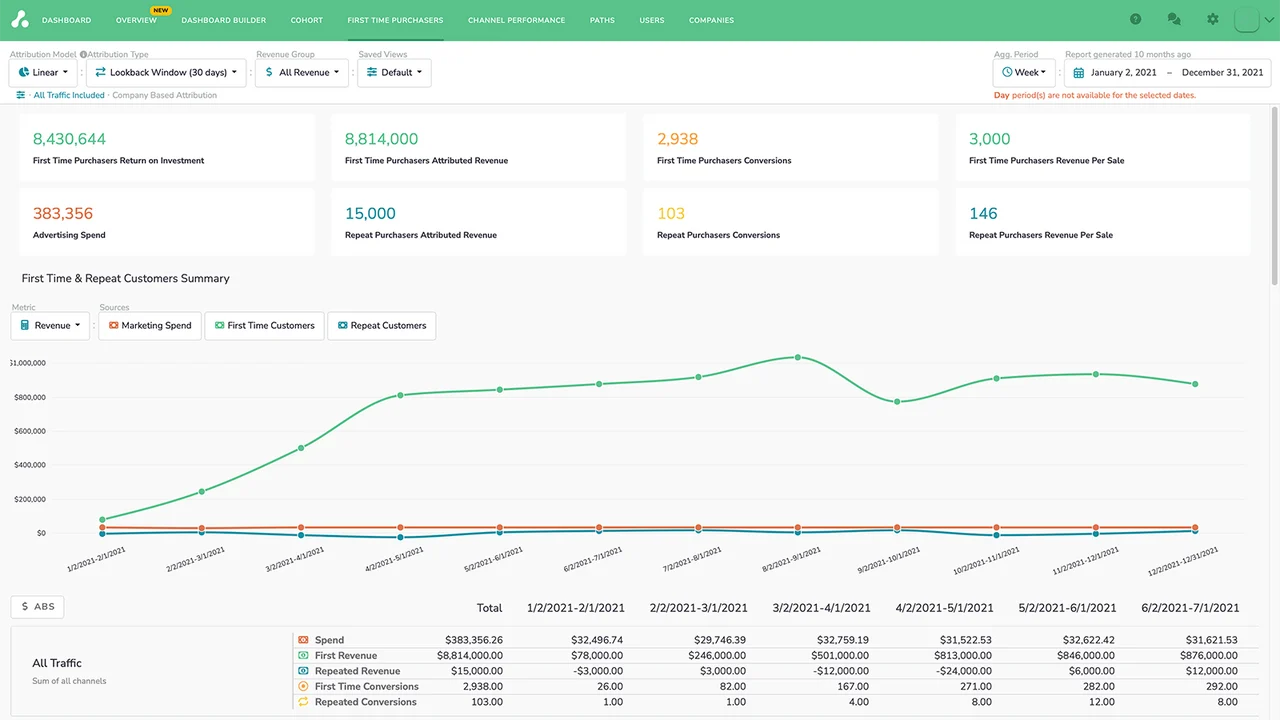
Several approaches close this gap. UTM parameters appended to your App Store listing URL let Shopify's Partner Dashboard report which source drove an install. Capturing the GCLID on your landing page and storing it alongside the install event allows you to push conversions back into Google Ads through offline conversion import. The Shopify Partner API exposes install events that can be matched to your traffic data. Each method has trade-offs in accuracy and implementation effort.
The point worth stating upfront is that no method gives perfect attribution. Cross-domain journeys, merchants who install days after first discovering you and Shopify's own privacy handling all introduce gaps. The realistic goal is directional accuracy good enough to decide which campaigns to scale and which to cut.
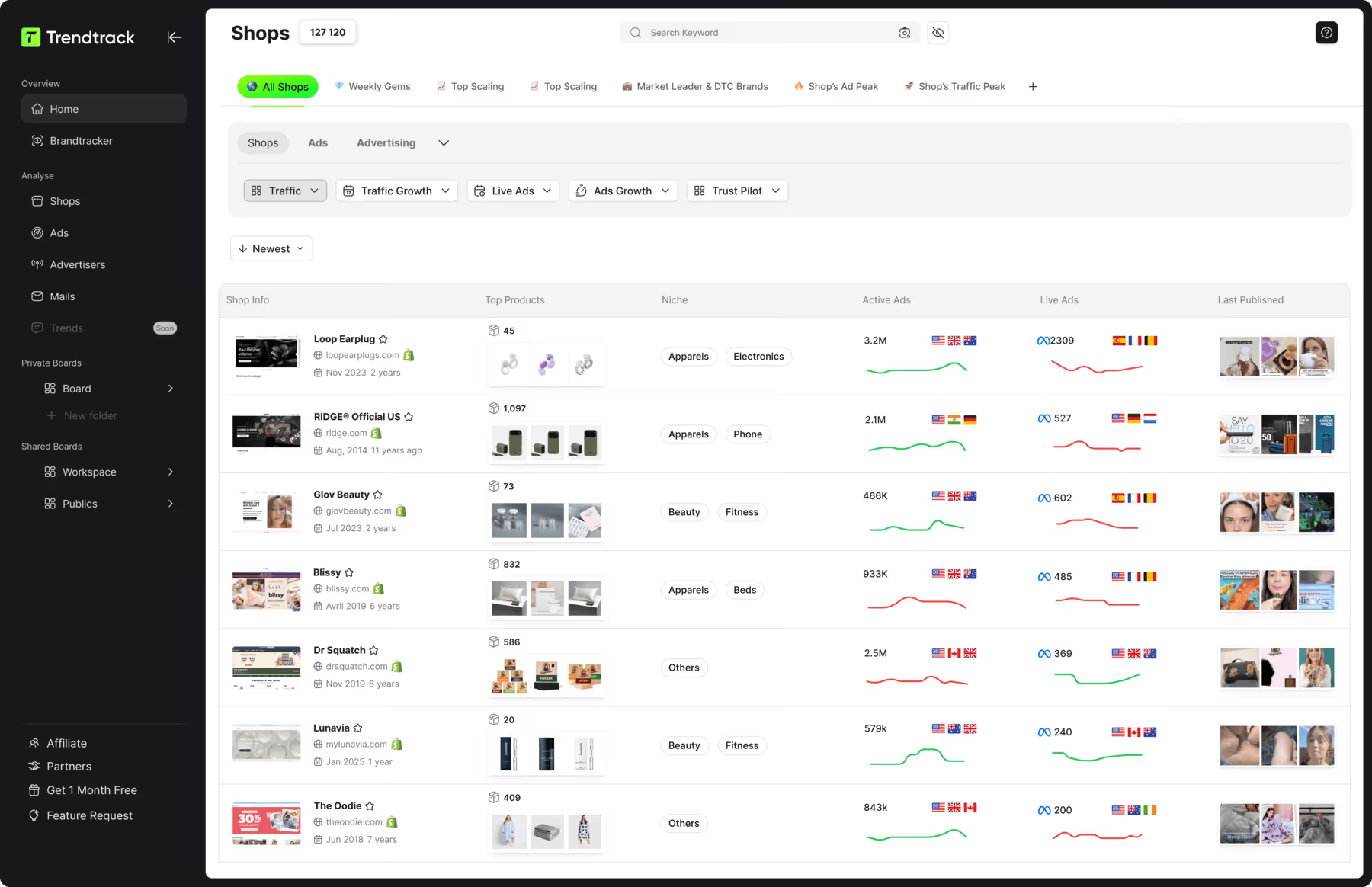
Attribution tells you what works in your own account. Knowing what already works in your market requires looking outward. Trendtrack available at app.trendtrack.io/en/sign-up reveals any shop's complete Google ad strategy including their full ad library, top performing ads and landing pages.
In this article we explain how to attribute Shopify app installs to Google Ads campaigns.
Why Is Attributing Shopify App Installs So Difficult?
The problem is not a lack of effort on the developer's side. It comes from how the Shopify ecosystem is structured and from where the conversion actually happens. Here is why attributing Shopify app installs is so difficult.
The conversion happens on a domain you do not control
This is the root of the entire problem. Your Google Ads click lands a merchant on your marketing site or directly on your App Store listing. But the install itself is completed inside Shopify's own environment where your conversion pixel cannot fire. You own the top of the funnel and Shopify owns the bottom which means the two halves of your journey live in separate systems that do not talk to each other by default.
This differs fundamentally from standard e-commerce attribution where the ad click, the product page and the checkout all sit on your domain. There a single pixel tracks the whole path. For a Shopify app the path breaks at the exact moment that matters most, and everything downstream of that break becomes invisible unless you deliberately rebuild the connection.
The consequence is that Google Ads reports what it can see, which is clicks and landing page sessions. It optimizes toward those signals because you have given it nothing better. Your campaigns therefore get very good at generating visits from people who never install.
The decision cycle is long and rarely linear
Merchants do not install apps the way consumers buy impulse products. A shop owner discovers your app through a search ad, reads your landing page, opens three competitor listings, asks in a Facebook group, bookmarks the page and installs eleven days later after a colleague mentions it. That journey involves multiple sessions, often multiple devices and frequently a different entry point than the original ad.
Google Ads applies a conversion window but even within it the attribution model matters enormously. Last-click attribution will credit whichever touchpoint came last, typically a branded search, which makes your acquisition campaigns look worthless while they were actually responsible for the initial discovery. You then cut the campaign that created the demand and wonder why installs dropped.
Install is also rarely the real conversion. A merchant who installs and uninstalls three days later has cost you acquisition budget without generating revenue, which means optimizing toward raw installs can actively mislead you.
Privacy constraints and tracking limitations
Cookie restrictions, ad blockers and browser privacy features have degraded cross-domain tracking considerably. Safari's Intelligent Tracking Prevention limits cookie lifetime, which breaks attribution for merchants who convert outside a short window. Server-side approaches mitigate this but require development work most app teams deprioritize.
Shopify's own privacy handling adds another layer since the Partner Dashboard exposes what it chooses to expose rather than a complete session-level trail.
The realistic conclusion is that perfect attribution does not exist here. The achievable goal is directional accuracy sufficient to decide which campaigns to scale and which to stop, which is genuinely enough to run profitable acquisition.
How to Track Shopify App Installs From Google Ads?
.jpeg)
Rebuilding the broken link between your ad click and the install requires connecting two systems that do not communicate natively. Here is how to track Shopify app installs from Google Ads.
Append UTM parameters to your App Store listing URL
Capture the GCLID on your landing page
Store the GCLID against the merchant identifier
Pull install events from the Shopify Partner API
Match install events back to their originating click
Import offline conversions into Google Ads
Feed the data back into campaign optimization
The first step is to append UTM parameters to every link pointing at your App Store listing. Shopify's Partner Dashboard reports the referring source which gives you a first layer of attribution at campaign level. This is the simplest method and requires no development work, though it stops at source-level granularity rather than keyword-level.
The second step is to capture the GCLID which Google appends to every ad click. Read it from the URL on your landing page and persist it in a first-party cookie or local storage. This identifier is what allows a conversion recorded later to be traced back to the exact click, keyword and campaign that produced it.
The third step is to store the GCLID against a merchant identifier. When the merchant proceeds to install, associate the stored GCLID with their shop domain or Shopify identifier in your own database. This association is the bridge between your marketing data and Shopify's conversion data.
The fourth step is to pull install events from the Shopify Partner API which exposes app install and uninstall events programmatically. This gives you a reliable record of who installed and when.
The fifth step is to match install events back to clicks by joining your stored GCLID records against the install events on the shop identifier.
The sixth step is to import offline conversions into Google Ads by uploading the matched GCLID and conversion timestamp. Google then attributes the install to the originating campaign and keyword.
The seventh step is to feed this into optimization by using install as your conversion action rather than page visits. Your campaigns then optimize toward merchants who actually install.
What Are the Main Attribution Methods Compared?
Each approach trades accuracy against implementation effort. Understanding where each one sits helps you pick the right starting point. Here are the main attribution methods compared.
| Method | Granularity | Setup effort | Accuracy | Best for |
|---|---|---|---|---|
| UTM parameters | Campaign level | Very low | Moderate | Getting started quickly |
| GCLID capture and storage | Keyword level | Medium | High | Serious optimization |
| Offline conversion import | Keyword level | Medium to high | High | Feeding Google's algorithm |
| Shopify Partner API | Install events | Medium | High on events | Reliable conversion data |
| Server-side tracking | Keyword level | High | Very high | Privacy-resilient setups |
| Post-install survey | Self-reported | Very low | Low to moderate | Directional validation |
As the table shows UTM parameters are the natural entry point. They require no development, work immediately and surface in the Partner Dashboard. Their limitation is granularity since you learn which campaign drove an install but not which keyword, which is insufficient once you want to optimize seriously.
GCLID capture combined with offline conversion import is the method that genuinely changes your results. It reaches keyword-level attribution and more importantly feeds real conversion data back into Google's algorithm. Smart Bidding then optimizes toward merchants who install rather than toward visitors who click, which is where the performance gain actually comes from.
Server-side tracking offers the highest resilience against cookie restrictions and ad blockers but demands genuine engineering resources that most app teams deprioritize until volume justifies it.
The post-install survey deserves mention despite its weakness. Simply asking merchants how they found you provides a cross-check against your technical attribution and often reveals discovery paths your tracking never captured.
The pragmatic sequence is UTMs first, then GCLID and offline import once volume justifies the build.
What Mistakes Should You Avoid When Attributing App Installs?
Attribution errors are costly because they lead you to cut campaigns that work and scale campaigns that do not. Here are the mistakes to avoid when attributing app installs.
Optimizing toward clicks or sessions rather than installs which teaches Google's algorithm to find curious visitors instead of merchants ready to install
Relying on last-click attribution alone since it systematically credits branded search while undervaluing the discovery campaigns that actually created the demand
Setting a conversion window that is too short because merchants frequently install days or weeks after their first exposure to your app
Treating install as the final conversion when a merchant who uninstalls three days later has cost you acquisition budget without generating revenue
Forgetting UTM parameters on some traffic sources which leaves gaps in your data and inflates the direct or unattributed bucket
Ignoring cross-device journeys where a merchant discovers your app on mobile and installs later from their desktop
Trusting a single data source rather than cross-checking Google Ads, your own database and the Partner Dashboard against each other
Expecting perfect attribution and delaying decisions until the data is flawless which it never will be
Among these the most damaging is optimizing toward the wrong conversion action. If Google Ads only sees page visits it will faithfully deliver more page visits at the lowest possible cost, which usually means traffic from people who will never run a Shopify store. Your cost per click improves while your cost per install quietly worsens.
The second most common error is treating install as success. Tracking activation or retained merchants rather than raw installs changes which campaigns look profitable, sometimes dramatically.
FAQ
Can Google Ads track Shopify app installs natively?
No. Google Ads can only record conversions that fire on a domain where your tracking code is installed. Since the install is completed inside Shopify's environment your conversion tag never fires and Google sees nothing beyond the landing page visit. This is a structural limitation rather than a configuration error. To close the gap you need to capture the GCLID on your landing page, associate it with the merchant who installs and then push that conversion back into Google Ads through offline conversion import. Without this bridge your campaigns optimize toward clicks rather than installs.
What is a GCLID and why does it matter?
The GCLID is a unique identifier Google appends to the URL of every ad click. It encodes which campaign, ad group and keyword produced that specific click. Capturing it on your landing page and storing it in your own database lets you connect a conversion that happens later and elsewhere back to its exact origin. It is the foundation of offline conversion import and the reason keyword-level attribution becomes possible for Shopify apps. Without the GCLID you are limited to campaign-level attribution through UTM parameters which is considerably less useful for optimization.
How long should my conversion window be?
Longer than you might expect. Merchants rarely install on first exposure since they compare alternatives, consult peers and often return days later. A window of thirty days is a reasonable starting point and some app developers extend to sixty depending on their pricing and complexity. A window that is too short systematically undercounts your acquisition campaigns and leads you to cut budgets that were actually working. Review your own data to find where the majority of installs cluster relative to first click then set your window slightly beyond that point.
Should I optimize toward installs or toward paying merchants?
Installs are the right starting point but rarely the right endpoint. A merchant who installs and uninstalls within days has consumed acquisition budget without generating revenue. Once you have sufficient volume the stronger approach is to track activation or the transition to a paid plan and treat that as your conversion action. Google's algorithm then learns to find merchants who actually stay. The trade-off is data volume since deeper conversions occur less frequently which can starve Smart Bidding of signal. Many teams track both and weight them differently in their conversion setup.
Is UTM tracking enough for a small app?
For early-stage apps with limited budget UTM parameters are a perfectly reasonable starting point. They require no development, surface directly in the Shopify Partner Dashboard and tell you which campaigns drive installs. Their limitation is granularity since you learn the source but not the keyword. This becomes a real constraint once you spend enough that keyword-level decisions matter financially. The pragmatic sequence is to start with UTMs, validate that Google Ads works as a channel, then invest in GCLID capture and offline conversion import once the volume justifies the engineering effort.
How accurate can Shopify app attribution realistically be?
Never perfect and expecting otherwise leads to paralysis. Cross-device journeys, privacy restrictions, ad blockers and long consideration cycles all introduce gaps that no setup eliminates entirely. A well-implemented GCLID and offline import approach typically captures the majority of installs which is enough to decide confidently which campaigns to scale and which to stop. Cross-checking against a simple post-install survey asking merchants how they found you often reveals discovery paths your tracking missed. Directional accuracy that supports good decisions is the realistic goal rather than complete measurement.
Useful Resources

.avif)
Ready to build a million-dollar brand?
.avif)